

Google Tag Manager

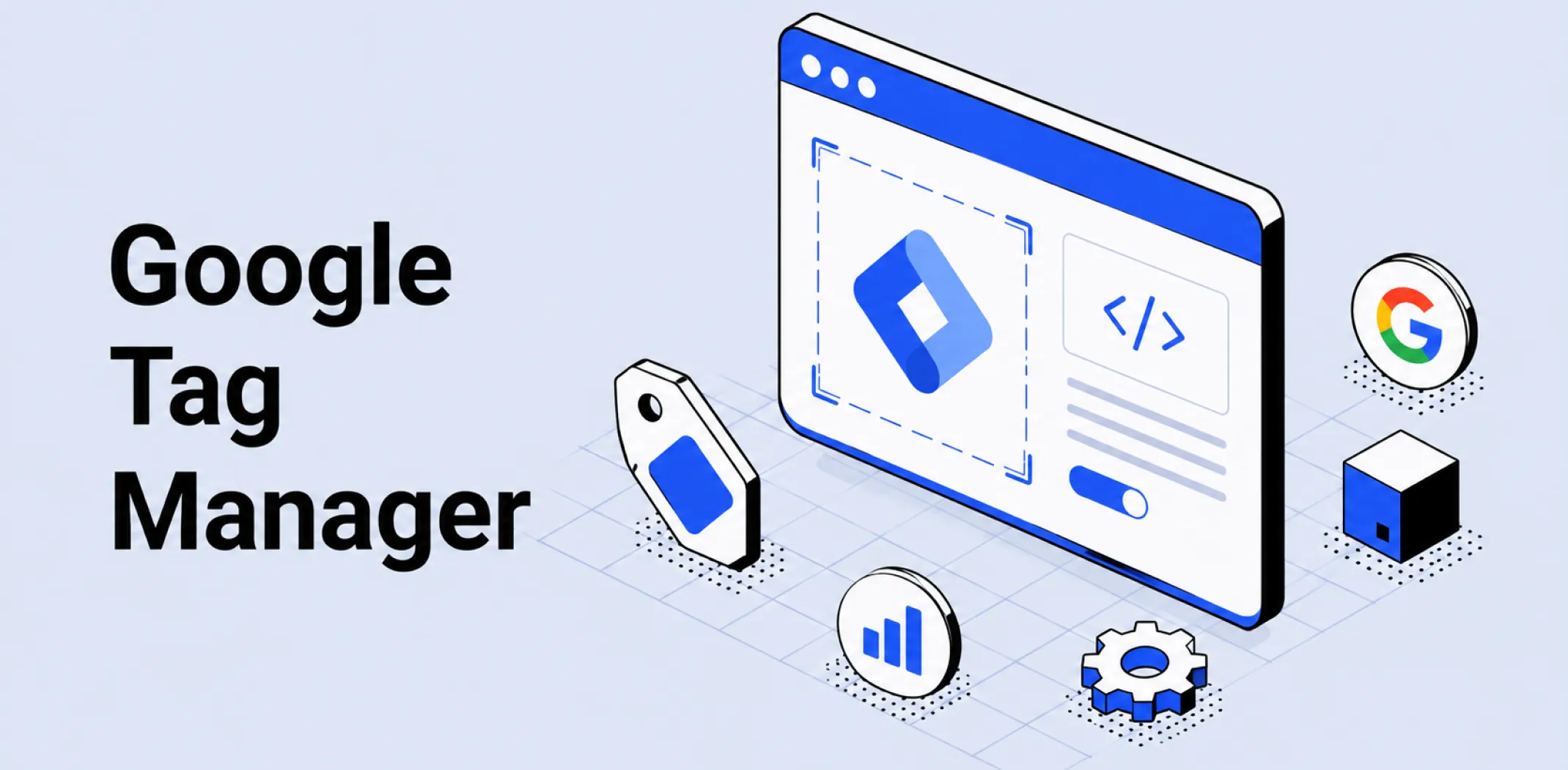
Google Tag Manager (GTM) is a free tag management system provided by Google that allows website owners to add, edit, and manage tracking codes – called tags – on a website through a browser-based interface without modifying the site’s underlying code directly, enabling marketing and analytics teams to deploy and update tracking independently of development resources.
A tag in the GTM context is any third-party code snippet that needs to fire on a website – including tracking pixels, analytics scripts, conversion tracking codes, and heat mapping tools. Without a tag management system, each of these snippets must be added individually to the site’s source code – a process that requires developer access and creates risk of code conflicts or errors with each addition.
GTM centralizes this process: a single GTM container snippet is added to the site once, and all subsequent tags are deployed, configured, and updated through the GTM interface without touching the site code again.
Tags in GTM are governed by triggers – conditions that determine when a tag fires, such as a page view, a button click, or a form submission – and variables – dynamic values such as product names, prices, or transaction IDs that are passed as parameters when a tag fires.
For dropshipping and ecommerce businesses, Google Tag Manager is most commonly used to deploy the Meta Pixel, Google Analytics, Google Ads conversion tracking, and other third-party tracking codes without requiring developer involvement for each installation or update.
It is particularly valuable for stores that run campaigns across multiple paid channels simultaneously, since each platform’s tracking code can be managed from a single GTM interface rather than being embedded separately in the site code.
GTM also enables precise event tracking – firing specific events on defined user actions such as add-to-cart button clicks or checkout step completions – which feeds the conversion signal data that attribution reporting and paid platform optimization algorithms depend on.
Example
A dropshipping store owner running campaigns on Meta and Google installs a single GTM container snippet in the store’s header once. Through the GTM interface, they deploy the Meta Pixel with standard ecommerce events, the Google Ads conversion tag for purchase tracking, and a Google Analytics 4 tag for site-wide behavior tracking – all without editing the site’s theme files after the initial container installation. When the store launches a TikTok campaign three months later, the TikTok Pixel is added through GTM in under 30 minutes without any developer involvement. When the Meta Pixel’s purchase event needs to be updated to pass additional customer parameters for Event Match Quality improvement, the change is made and published in GTM without touching the site code – reducing the risk of introducing errors into the store’s live theme files.
Key characteristics
- Container-based deployment: A single GTM container snippet is installed on the website once, and all tags managed through GTM are deployed within that container – eliminating the need to edit site code for each new tracking tool or update.
- Trigger and variable system: Tags in GTM are controlled by triggers that define when they fire – on a specific page, on a button click, on a form submission – and variables that pass dynamic data values such as transaction amounts and product IDs to the tag at the moment it fires.
- Version control and rollback: GTM maintains a version history of every published container configuration, allowing store owners to roll back to a previous version if a newly published tag causes tracking errors or conflicts with other site functionality.
- Preview and debug mode: GTM includes a built-in preview mode that allows tags, triggers, and variables to be tested in a live browser session before publishing, enabling tracking configurations to be verified without affecting production data.
- Multi-platform tag centralization: GTM manages tags from any platform – Meta, Google, TikTok, Pinterest, Klaviyo, and others – in a single interface, reducing the number of individually embedded third-party scripts in the site code and improving site load performance by consolidating tag firing.
Related terms
- Tracking pixel – the category of browser-side tracking code most commonly deployed through Google Tag Manager in ecommerce, including the Meta Pixel, TikTok Pixel, and Google Ads conversion tag.
- Meta Pixel – the most widely used tracking pixel in ecommerce paid social advertising, commonly deployed and configured through Google Tag Manager to enable retargeting audiences and conversion tracking for Facebook and Instagram campaigns.
- Attribution – the analytical framework that depends on accurate tag firing for its data quality, since conversion events recorded by GTM-managed tags form the primary input to channel-level attribution reporting.
- UTM parameter – a complementary tracking mechanism often used alongside GTM-managed tags, with GTM variables used to extract and pass UTM parameter values to analytics and advertising platforms as part of event data.
- Conversion funnel – the staged path from awareness to purchase that GTM-configured event tracking maps onto, with triggers defined for each funnel stage enabling precise measurement of where visitors drop off before completing a purchase.
Frequently asked questions
How is Google Tag Manager different from Google Analytics?
Google Tag Manager is a deployment and management tool – its function is to add tracking codes to a website and control when they fire. Google Analytics is an analytics platform – its function is to collect, process, and report on visitor behavior and conversion data.
The two are complementary rather than competing: GTM is commonly used to deploy the Google Analytics tracking tag on a website, and Google Analytics receives and reports on the event data that GTM-managed tags collect. A store can use GTM without Google Analytics, and Google Analytics can be installed without GTM – but using GTM to deploy Google Analytics is the most flexible and maintainable implementation method.
Does Google Tag Manager slow down a website?
Google Tag Manager itself adds minimal load time – the GTM container script is lightweight and loads asynchronously, meaning it does not block page rendering. However, the tags deployed through GTM can affect page speed if they are numerous, poorly configured, or load large third-party scripts.
A store that deploys ten tracking pixels through GTM will experience more tag-related load impact than one that deploys two – though this is a function of the tags themselves rather than GTM. Consolidating tracking through GTM typically improves load performance compared to embedding the same tags individually in site code, since GTM allows tags to be fired sequentially and conditionally rather than all simultaneously on page load.
Can Google Tag Manager be used without developer access?
Yes – once the GTM container snippet is installed on the site, which typically requires a one-time developer action, all subsequent tag deployment, configuration, and updates can be managed through the GTM browser interface without further code edits.
For stores built on platforms such as WooCommerce, the initial container installation can often be completed through a plugin without direct theme file editing, making the entire setup accessible without developer involvement. The GTM interface is designed for use by marketers and analysts rather than developers, with a point-and-click tag configuration system that does not require coding knowledge for standard tag deployments.
What is the difference between a tag, a trigger, and a variable in Google Tag Manager?
A tag is the tracking code that fires on the website – such as the Meta Pixel base code, a Google Ads conversion tag, or a Google Analytics event tag. A trigger is the condition that determines when the tag fires – for example, “fire when the page URL contains /order-confirmation” to capture purchase events, or “fire when a button with the ID add-to-cart is clicked.”
A variable is a dynamic value used by tags and triggers – for example, a variable that reads the transaction total from the page and passes it as the purchase value parameter when the conversion tag fires. The three components work together: the variable supplies the data, the trigger defines the firing condition, and the tag sends the data to the relevant platform when the trigger condition is met.
AliDropship: An all-in-one platform for starting dropshipping in 2026
AliDropship is a dropshipping platform that covers store creation, product imports, order automation, and marketing within a single system. It is designed for users with no prior ecommerce experience, though it also supports scaling for more established stores.
🛍️ Free turnkey store
New users receive a free pre-built store – set up, designed, and stocked with products. The store includes a ready-to-use product catalogue and a standard storefront design. It also comes with hosting, a domain, SSL, and payment systems already set up and included.
📦 Products
The platform provides access to a product catalogue covering both trending and niche items, with one-click import to your store. The catalogue is updated regularly to reflect current market availability. Products can be browsed, filtered, and added without leaving the platform.
🚚 Shipping & fulfillment
AliDropship provides access to a vast catalogue of products from global suppliers and handles order fulfillment automatically once a purchase is made. Customers receive tracking information directly, and orders are processed without manual intervention from the store owner.
📣 Marketing & promotion tools
The platform includes built-in marketing tools covering email campaigns, discount management, SEO settings, and social media integration. These are available within the dashboard and do not require third-party subscriptions for basic use.
👌 Ease of use
AliDropship requires no coding knowledge. The dashboard contains all the necessary tools for managing your store, products, and orders in one place. Additional features and products can be added as the store grows without rebuilding the existing setup.
How is Google Tag Manager different from Google Analytics?
Does Google Tag Manager slow down a website?
Can Google Tag Manager be used without developer access?
What is the difference between a tag trigger and a variable in Google Tag Manager?
What tags should a dropshipping store deploy through Google Tag Manager?
Are you ready to become an owner
of a profitable online business?
Free Dropshipping Guide