

Tracking Pixel

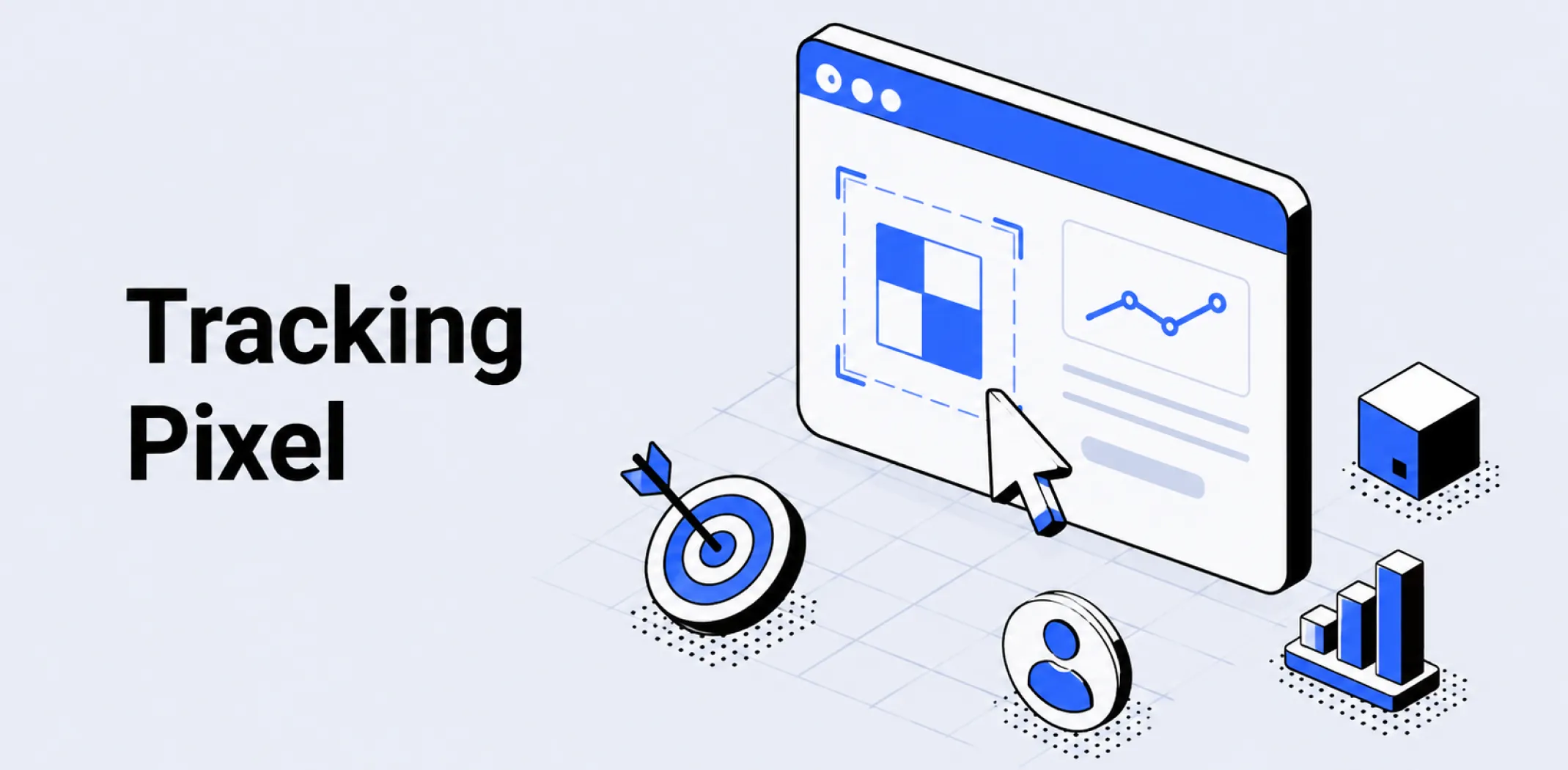
A tracking pixel is a small snippet of JavaScript code installed on a website that fires when a visitor loads a page or completes a defined action, passing event data – such as a page view, add-to-cart, or purchase – to an advertising platform or analytics tool to enable audience building, conversion tracking, and campaign optimization.
The term originates from an earlier web tracking method that used a 1×1 transparent image – literally a single invisible pixel – embedded in a page or email to record when it was loaded. Modern tracking pixels are JavaScript-based rather than image-based, but the name has persisted as the standard industry term for any client-side tracking code placed on a website by an advertising or analytics platform.
Each major advertising platform provides its own pixel – Meta’s is called the Meta Pixel, Google’s is implemented through the Google Tag or Google Ads conversion tag – and each operates independently, collecting data and passing it back to its respective platform.
A store running campaigns on multiple platforms typically installs multiple pixels simultaneously, one per platform, each tracking the same visitor events for its own reporting and optimization purposes.
For dropshipping and ecommerce businesses, tracking pixels serve two primary functions. The first is audience building – recording which visitors viewed specific pages, added products to their cart, or completed a purchase, and making those visitor pools available as retargeting audiences within the advertising platform.
The second is conversion tracking – recording when a purchase event occurs on the store and attributing it to the ad campaign that preceded it, providing the return on ad spend and cost per acquisition data that campaign performance is evaluated against.
Without a correctly installed and firing pixel, a store running paid campaigns cannot build retargeting audiences, cannot measure conversion performance accurately, and cannot use platform optimization features that rely on conversion signal data to improve ad delivery.
Pixel installation and event verification are therefore foundational steps in setting up any paid advertising program, and connect directly to the attribution data that channel performance analysis depends on.
Example
A dropshipping store selling outdoor gear installs the Meta Pixel on its store. The pixel fires on every page load and is configured to send four standard events: PageView (every page), ViewContent (product pages), AddToCart (cart additions), and Purchase (order confirmation page). When a visitor browses a tent product page, the pixel fires a ViewContent event, adding the visitor to a product-viewer retargeting audience in Meta Ads Manager. The visitor leaves without purchasing. Two days later, a retargeting ad showing the same tent is served to the visitor on Instagram. The visitor clicks the ad and completes the purchase. The pixel fires a Purchase event on the order confirmation page, recording the conversion and attributing it to the retargeting campaign. Meta Ads Manager reports the sale, its value, and the cost of the ad that drove it – data the store owner uses to calculate return on ad spend for the campaign.
Key characteristics
- Event-based data collection: Tracking pixels are configured to fire on specific visitor actions – page views, product views, cart additions, purchases, and custom events – with each event passing defined data parameters such as product ID, value, and currency to the advertising platform.
- Platform specificity: Each advertising platform provides its own pixel code that collects data exclusively for that platform’s reporting and audience tools – a Meta Pixel does not feed data to Google Ads, and a Google tag does not feed data to Meta, requiring separate pixel installations for each platform used.
- Retargeting audience foundation: Pixel event data is the primary input for building retargeting audiences – the pools of past visitors segmented by behavior that paid retargeting campaigns serve ads to – making pixel accuracy a direct prerequisite for retargeting campaign performance.
- Conversion signal dependency: Advertising platform optimization algorithms use pixel-reported purchase events as signals to improve ad delivery – identifying which audience segments are most likely to convert and adjusting bid and placement decisions accordingly – meaning a pixel that fires incorrectly or incompletely degrades campaign performance over time.
- Privacy regulation sensitivity: Tracking pixels collect visitor data and pass it to third-party platforms, making their use subject to data privacy regulations such as GDPR in the European Union and CCPA in California – requiring stores targeting audiences in regulated markets to obtain appropriate consent before firing tracking code.
Related terms
- Retargeting – the paid advertising technique that depends entirely on tracking pixel data to define its audiences, serving ads specifically to visitors whose page view, product view, or cart addition events were recorded by the pixel.
- Attribution – the analytical framework that tracking pixel conversion data feeds into, with purchase events recorded by the pixel forming the basis of platform-reported conversion attribution and return on ad spend calculations.
- UTM parameter – a complementary tracking mechanism that identifies the campaign source driving each visit at the point of click, working alongside the pixel which tracks what the visitor does after arriving on the store.
- Conversion funnel – the staged path from awareness to purchase that tracking pixel events map directly onto, with each standard event – ViewContent, AddToCart, Purchase – corresponding to a defined funnel stage.
- Landing page – the destination page on which pixel events fire when ad traffic arrives, with accurate pixel firing on landing pages being essential for conversion tracking and retargeting audience creation from paid campaign traffic.
Frequently asked questions
How is a tracking pixel installed on an ecommerce store?
A tracking pixel is installed by adding the platform-provided JavaScript code snippet to the store’s website – either directly in the site’s header code, through a tag management system such as Google Tag Manager, or via a native integration built into the ecommerce platform.
Most major ecommerce platforms including WooCommerce provide built-in pixel integration options that allow the Meta Pixel or Google tag to be installed by entering the pixel ID in the platform settings without manually editing code.
After installation, the pixel should be verified using the platform’s diagnostic tool – Meta’s Pixel Helper browser extension and Google’s Tag Assistant are the standard verification tools – to confirm that events are firing correctly on the intended pages.
What is the difference between a tracking pixel and a cookie?
A tracking pixel is a piece of code that fires on a page load and sends event data to an advertising or analytics platform at the moment the event occurs. A cookie is a small file stored in the visitor’s browser that persists between sessions, allowing the platform to recognize the same visitor across multiple visits and over time.
The two work together: the pixel fires the event and the cookie identifies the visitor across sessions, enabling the platform to connect multiple interactions from the same user into a continuous journey. Pixels without cookies cannot build persistent audience profiles; cookies without pixel events have no behavioral data to store.
What events should a dropshipping store track with its pixel?
The four most important standard events for a dropshipping store are PageView, which fires on every page load and is required for all audience building; ViewContent, which fires on product pages and enables product-viewer retargeting audiences; AddToCart, which fires when a visitor adds a product to their cart and enables cart abandonment retargeting audiences; and Purchase, which fires on the order confirmation page and records conversion value for return on ad spend reporting and campaign optimization.
Stores running lead capture campaigns may also configure a Lead event on sign-up confirmation pages. These five events cover the full purchase funnel and provide the conversion signal data advertising platforms require to optimize ad delivery effectively.
How do privacy regulations affect tracking pixel use?
Privacy regulations such as GDPR in the European Union and CCPA in California require websites to obtain informed consent from visitors before collecting and passing their data to third-party platforms through tracking pixels.
In practice this means displaying a cookie consent banner that allows visitors to accept or decline tracking before the pixel fires. Visitors who decline consent cannot be added to retargeting audiences or have their conversions recorded by the pixel, which reduces the effective data available for campaign optimization and retargeting in markets with high consent decline rates.
Stores targeting European audiences typically see 20% to 40% of visitors declining tracking consent, making first-party data collection and server-side tracking increasingly important complements to standard pixel-based measurement.
AliDropship: An all-in-one platform for starting dropshipping in 2026
AliDropship is a dropshipping platform that covers store creation, product imports, order automation, and marketing within a single system. It is designed for users with no prior ecommerce experience, though it also supports scaling for more established stores.
🛍️ Free turnkey store
New users receive a free pre-built store – set up, designed, and stocked with products. The store includes a ready-to-use product catalogue and a standard storefront design. It also comes with hosting, a domain, SSL, and payment systems already set up and included.
📦 Products
The platform provides access to a product catalogue covering both trending and niche items, with one-click import to your store. The catalogue is updated regularly to reflect current market availability. Products can be browsed, filtered, and added without leaving the platform.
🚚 Shipping & fulfillment
AliDropship provides access to a vast catalogue of products from global suppliers and handles order fulfillment automatically once a purchase is made. Customers receive tracking information directly, and orders are processed without manual intervention from the store owner.
📣 Marketing & promotion tools
The platform includes built-in marketing tools covering email campaigns, discount management, SEO settings, and social media integration. These are available within the dashboard and do not require third-party subscriptions for basic use.
👌 Ease of use
AliDropship requires no coding knowledge. The dashboard contains all the necessary tools for managing your store, products, and orders in one place. Additional features and products can be added as the store grows without rebuilding the existing setup.
How is a tracking pixel installed on an ecommerce store?
What is the difference between a tracking pixel and a cookie?
What events should a dropshipping store track with its pixel?
How do privacy regulations affect tracking pixel use?
What happens if a tracking pixel is installed incorrectly?
Are you ready to become an owner
of a profitable online business?
Free Dropshipping Guide