

Canonical Tag

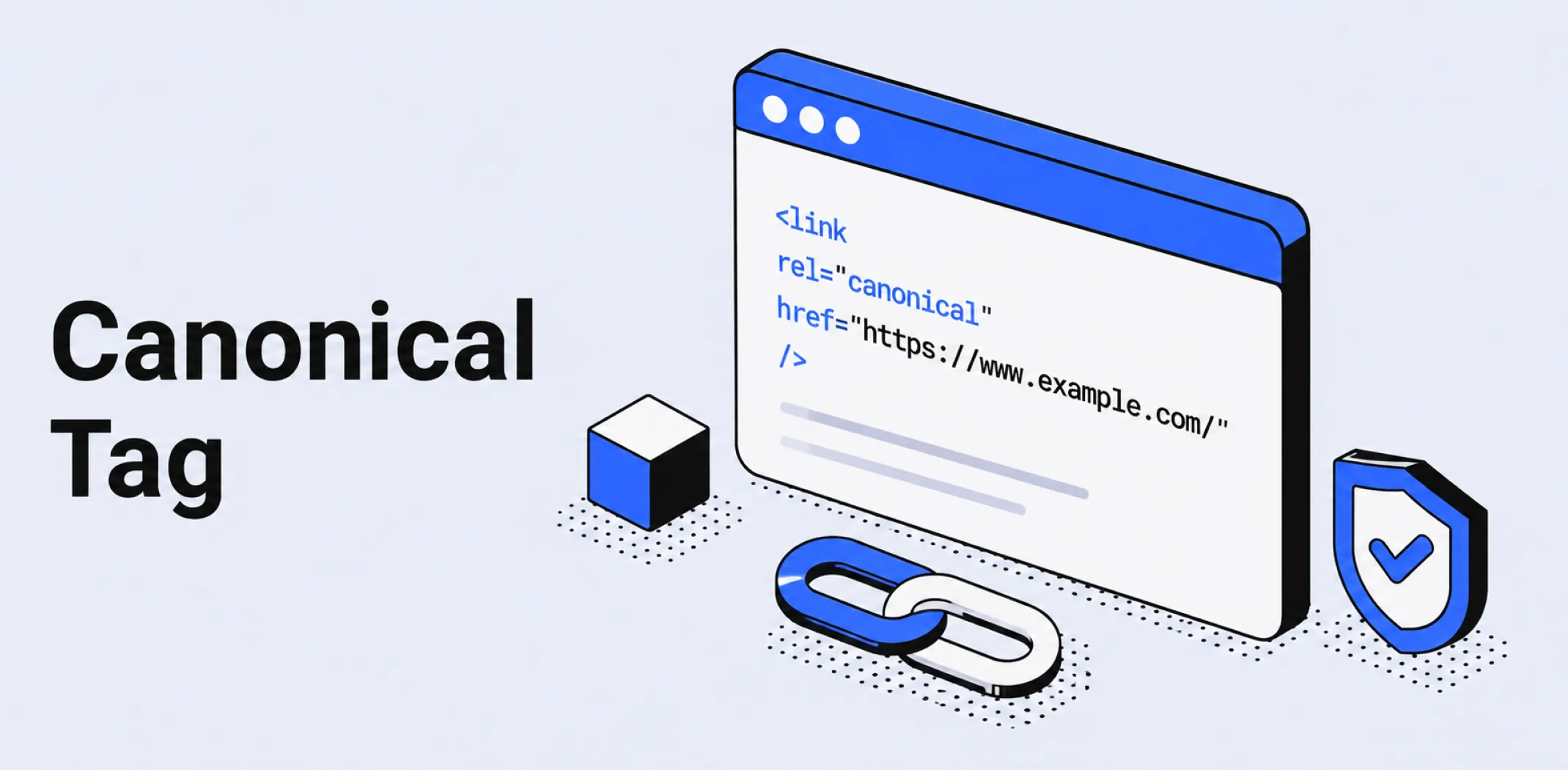
Canonical tag is an HTML element that marks which version of a duplicate or near-duplicate page a search engine should treat as the primary one to index, when several page versions contain the same or very similar content.
The tag is written as <link rel=”canonical” href=”URL” /> and placed in the head section of a page, pointing to the URL that should be treated as the authoritative version. Duplicate content can appear for reasons that have nothing to do with copying, such as a product page reachable through several category paths, or a site available with and without a www prefix.
A canonical tag consolidates the ranking signals from these variations toward one chosen URL, rather than splitting them across several near-identical pages. Search engines treat a canonical tag as a strong signal rather than a strict directive, meaning a different URL can still be chosen for indexing if the search engine finds stronger evidence elsewhere.
Example
An online store might list the same t-shirt under both a color filter URL and a size filter URL, producing two pages with nearly identical content. Adding a canonical tag to both pages that points to the main product URL tells search engines to consolidate ranking signals there, rather than treating the filtered versions as separate, competing pages.
Key characteristics
- Signal, not a directive: Search engines generally respect a canonical tag but can override it if other signals point to a different preferred URL.
- Self-referencing by default: Most pages canonicalize to themselves, which confirms to search engines that a given URL is already the preferred version.
- Consolidates ranking signals: Links and authority pointing to duplicate URLs are credited to the canonical URL instead of being split apart.
- Placed in the page head: The tag sits in the HTML head section and is not visible to a reader browsing the page.
Related terms
- SEO – the broader practice of improving a page so it ranks and performs well in search results, which canonical tags support by resolving duplicate content.
- On-page SEO – the category of optimization controlled directly on a page, which technical elements like a canonical tag fall under.
- Sitemap – a file listing preferred page URLs, which works alongside canonical tags to help search engines settle on one version of each page.
- Robots.txt – a separate technical file that controls crawler access, distinct from a canonical tag, which addresses which version of a page to index.
Frequently asked questions
Does a canonical tag remove duplicate pages from a site?
No, a canonical tag does not delete or redirect duplicate pages; it only signals to search engines which version should be indexed and ranked.
What happens if a page has no canonical tag?
Search engines will usually choose a version to index on their own using other signals, which can sometimes select a URL the site owner would not have preferred.
Can a canonical tag point to a page on a different domain?
Yes, a canonical tag can point to a URL on another domain, which is sometimes used for syndicated content republished across multiple sites.
AliDropship: An all-in-one platform for starting an online business in 2026
AliDropship is an online business platform that gives customers a ready-made store, a digital products catalogue, and built-in, one-click advertising within a single system. Founded in 2015 and based in Irvine, California, it has helped launch more than 1,500,000 stores and holds a 4.7-star rating on Trustpilot. It is built for people with no prior experience and no technical skills.
🆓 Free 14-day trial
New users get full platform access for 14 days, including a ready-made store, hosting, a domain, an SSL certificate, and access to the digital products catalogue. The trial also includes a $40 ad coupon to test the advertising system. Order fees apply only when a sale is made.
📦 Digital products
Customers choose from AliDropship’s catalogue of digital products – guides, courses, checklists, tools, and AI-powered toolkits – and keep up to 70% of every sale. Delivery is instant and automated, so there is no inventory, shipping, or manual fulfillment involved.
📣 One-click advertising
AliDropship includes built-in advertising that customers can turn on for as little as $10 a day. The system handles targeting, creatives, and optimization, and many customers see their first orders the same day they launch ads.
👌 Ease of use
AliDropship requires no coding or marketing experience. The store, products, and ads are managed from a single dashboard that works on a phone as well as a desktop, and a personal growth manager is available to help by chat.
💳 Monthly plan
After the trial, continued access is $39 a month, covering the store, the digital products catalogue, and ongoing support. There is no long-term contract, and the plan can be cancelled at any time.
What is a canonical tag?
Does a canonical tag remove duplicate pages?
What happens without a canonical tag?
Can a canonical tag point to a different domain?
Is a canonical tag always followed by search engines?
Are you ready to become an owner
of a profitable online business?
Free Dropshipping Guide