

WordPress

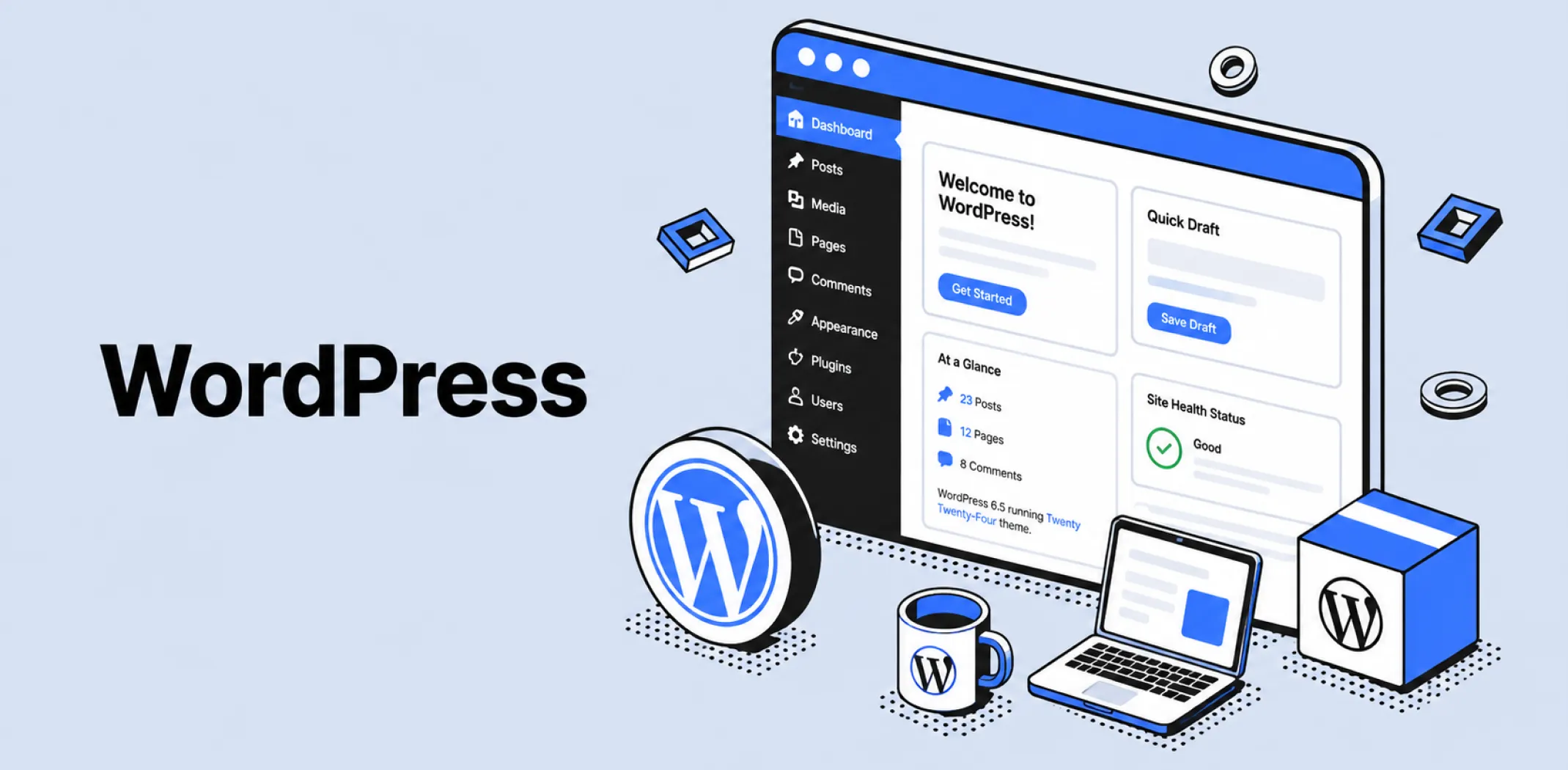
WordPress is an open-source content management system (CMS) used to create and manage websites without writing code from scratch. It provides the underlying software for building, editing, and publishing web content through a browser-based dashboard.
WordPress was first released in 2003 by Matt Mullenweg and Mike Little, built on the foundation of an earlier discontinued blogging tool called b2/cafelog. What began as software for personal blogs gradually expanded into a full CMS capable of supporting business websites, online stores, membership portals, and large corporate platforms.
Because the core software is open-source, anyone can download, modify, and redistribute it free of charge, and a global community of contributors maintains its codebase, themes, and plugins.
WordPress exists in two distinct forms that share the same underlying software but differ in how they are hosted. WordPress.org refers to the self-hosted version, where a user downloads the software and installs it on a hosting provider of their choice, gaining full control over customization but also taking on responsibility for maintenance and security.
WordPress.com is a separate, commercial service operated by Automattic that hosts WordPress sites on the company’s own servers, trading some customization freedom for a fully managed environment.
The term “WordPress” on its own typically refers to the open-source software itself, which is the version relevant to most independent online store and content builds, including those that add ecommerce functionality through a plugin such as WooCommerce.
Example
A small business owner wants to launch a blog alongside an online store. They install WordPress through a hosting provider, select a free theme to control the site’s appearance, and add the WooCommerce plugin to enable product listings and checkout. As the business grows, they install additional plugins for SEO and email capture, all manageable from the same WordPress dashboard without hiring a developer for routine updates.
Key characteristics
- Open-source software: The core WordPress codebase is free to download, use, and modify, with development driven by a worldwide community of volunteer and paid contributors.
- Theme and plugin ecosystem: Tens of thousands of free and paid themes control site design, while a similarly large library of plugins adds functionality such as ecommerce, SEO, forms, and security.
- Self-hosted vs hosted versions: WordPress.org requires the user to source their own hosting and manage updates, while WordPress.com provides managed hosting with more limited customization on lower-tier plans.
- Block-based editor: Content is built using a drag-and-drop block system that lets users assemble pages from text, image, and layout blocks without writing HTML.
- Extensibility through code: Developers can directly edit theme files, write custom plugins, and access site data through APIs, giving WordPress a level of flexibility not typically available on closed hosted platforms.
Related terms
- WooCommerce – the most widely used ecommerce plugin for WordPress, which adds product listings, a shopping cart, and checkout functionality to a self-hosted site.
- Ecommerce – the broader category of online commercial transactions that WordPress supports when paired with a store-building plugin.
- Domain name – the web address a WordPress site is accessed through, which self-hosted users must register and connect separately from the WordPress software itself.
- Plugin – an installable add-on that extends WordPress functionality, the mechanism through which most ecommerce, SEO, and marketing features are added to a site.
Frequently asked questions
What is the difference between WordPress.org and WordPress.com?
WordPress.org is the self-hosted version of the software, downloaded for free and installed on a hosting provider chosen by the user, who is then responsible for maintenance, security, and updates. WordPress.com is a managed hosting service run by Automattic that handles the technical side automatically, but restricts plugin installation and customization on its free and lower-tier plans.
Is WordPress free to use?
The core WordPress software is free to download and use under an open-source license. Costs typically come from related needs such as web hosting, a domain name, premium themes, and paid plugins, rather than from the software itself.
Can WordPress be used to build an online store?
WordPress does not include ecommerce functionality by default, but it can be turned into a fully functional online store by installing a plugin such as WooCommerce, which adds product catalogues, a shopping cart, and checkout processing to a self-hosted site.
Do I need coding skills to use WordPress?
Basic WordPress site management, including writing content, installing themes, and adding plugins, does not require coding knowledge. More advanced customization, such as editing theme code directly or building custom plugins, does require development skills, though many functions can be achieved through plugins alone.
AliDropship: An all-in-one platform for starting dropshipping in 2026
AliDropship is a dropshipping platform that covers store creation, product imports, order automation, and marketing within a single system. It is designed for users with no prior ecommerce experience, though it also supports scaling for more established stores.
🛍️ Free turnkey store
New users receive a free pre-built store – set up, designed, and stocked with products. The store includes a ready-to-use product catalogue and a standard storefront design. It also comes with hosting, a domain, SSL, and payment systems already set up and included.
📦 Products
The platform provides access to a product catalogue covering both trending and niche items, with one-click import to your store. The catalogue is updated regularly to reflect current market availability. Products can be browsed, filtered, and added without leaving the platform.
🚚 Shipping & fulfillment
AliDropship provides access to a vast catalogue of products from global suppliers and handles order fulfillment automatically once a purchase is made. Customers receive tracking information directly, and orders are processed without manual intervention from the store owner.
📣 Marketing & promotion tools
The platform includes built-in marketing tools covering email campaigns, discount management, SEO settings, and social media integration. These are available within the dashboard and do not require third-party subscriptions for basic use.
👌 Ease of use
AliDropship requires no coding knowledge. The dashboard contains all the necessary tools for managing your store, products, and orders in one place. Additional features and products can be added as the store grows without rebuilding the existing setup.
What is the difference between WordPress.org and WordPress.com?
Is WordPress free to use?
Can WordPress be used to build an online store?
Do I need coding skills to use WordPress?
Are you ready to become an owner
of a profitable online business?
Free Dropshipping Guide